The challenge we were given for the second week of Art and Animation was to create concept images through ‘Photo Bashing’, which is where you have to combine images through Photoshop to create a much more intricate outcome.
Ideas
Given that I created a character concept last week, I wanted to use this method to design a landscape. Despite this, I was unsure if I wanted to make a more urban or natural one. In the end, I decided to create both, as it would challenge me in different aspects of Photoshop.
Creating My Images
As I needed copyright-free images for my outcomes, I used a website called Unsplash, where I found both of my landscape images and the star images I wanted to use.
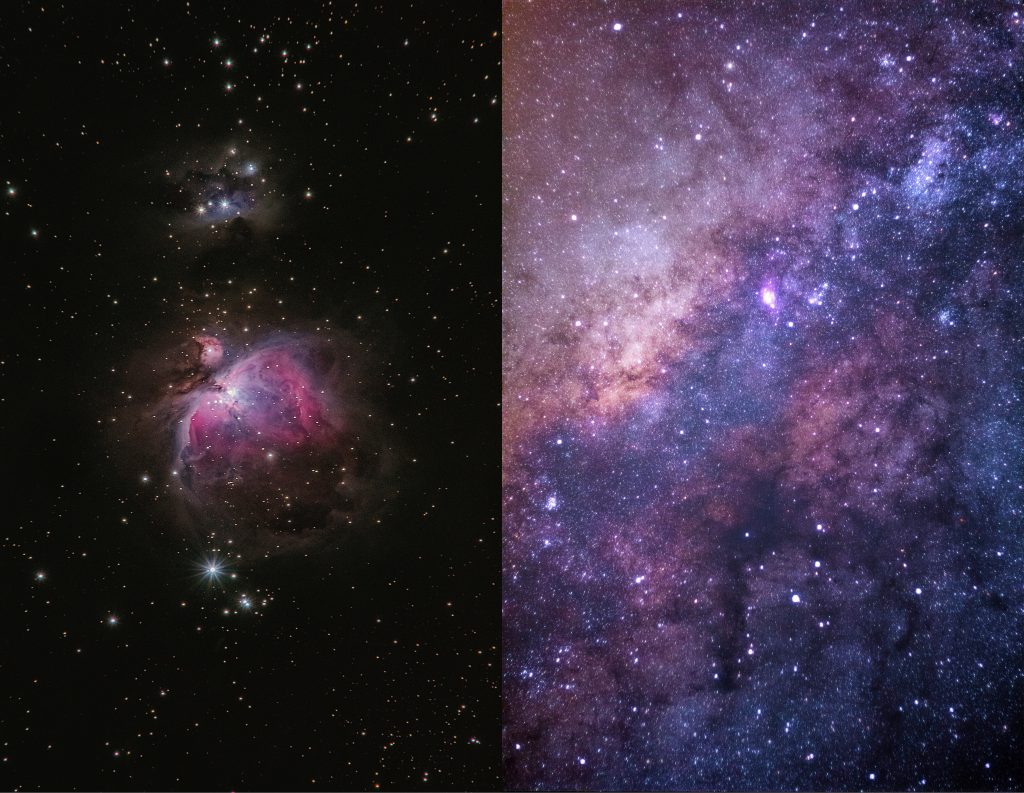
Using the quick select tool, I selected the top layer of stars, but only the area which would be in the background of the landscape. I then inverted the selected area and deleted it, leaving me with only stars in the background. I was unsure what blending modes to use to help the stars look more natural against the background, but I eventually managed to make them fit by changing the opacity and the hue as well.
Final Images
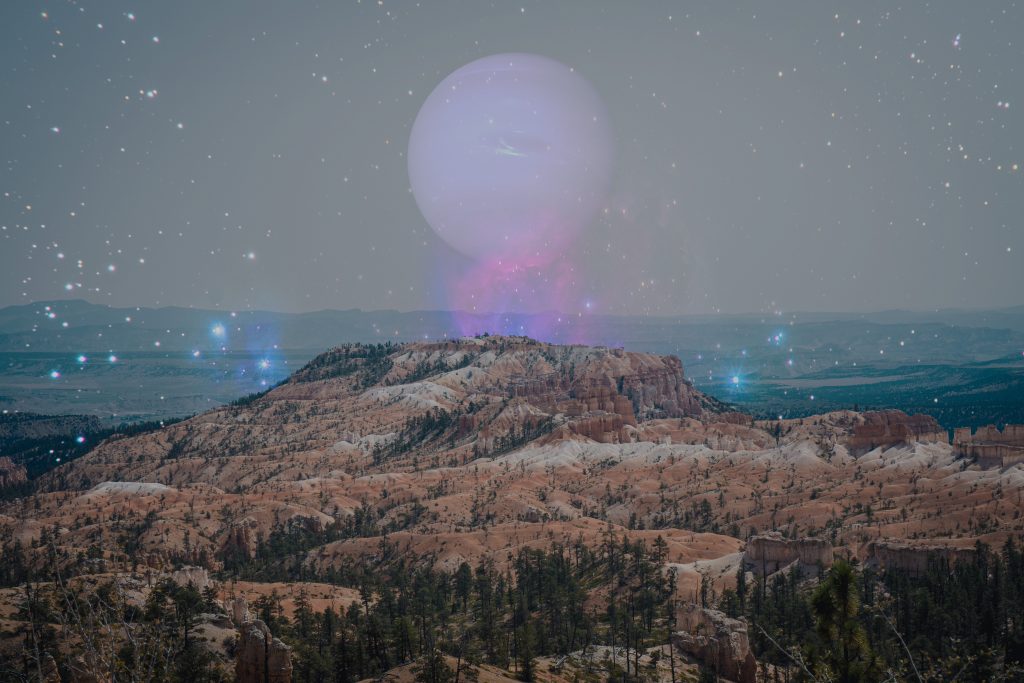
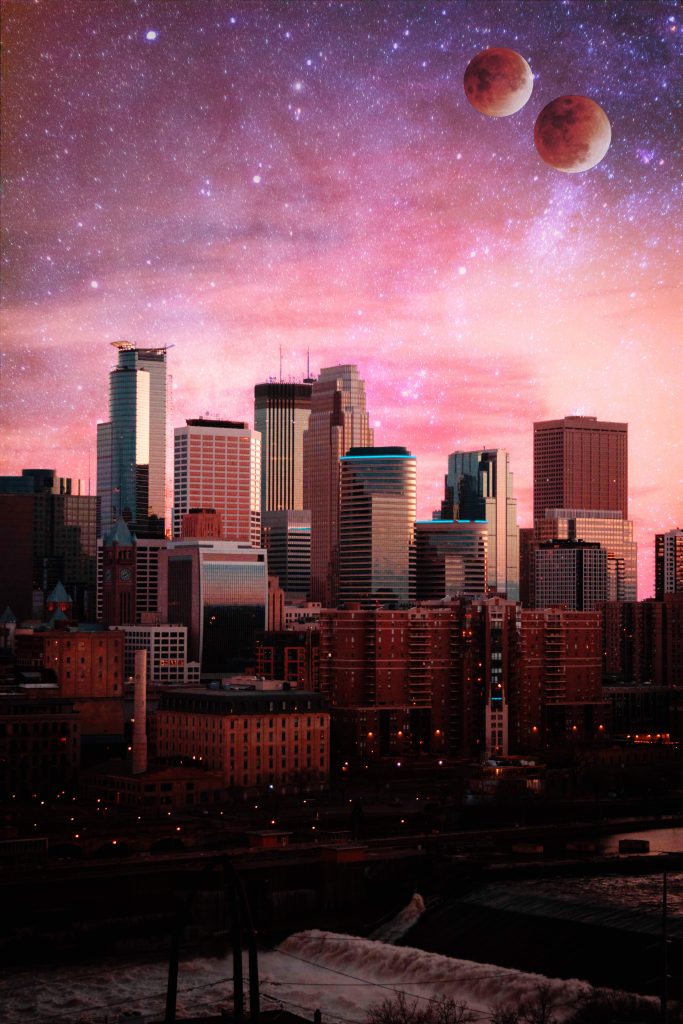
Overall, I think these turned out quite well, as I was able to blend the colours of the two images so they don’t look heavily edited. I decided after I had added the background to add some moons to create a more sci-fi theme as if these were alien planets. Looking back, I could have blended the moons in my second image better, but the first worked well. I managed to ensure the hue throughout each image was the same, helping to make the images work together and make a colourful and eye-catching outcome.
References:
Andrews, A. (2018) Untitled (Colourful nebula in the night sky) [Photograph]. Available online: https://unsplash.com/photos/fsH1KjbdjE8
Thomas, J. (2016) Untitled (Colourful starry sky) [Photograph]. Available online: https://unsplash.com/photos/4dpAqfTbvKA